


The van is the objective, and different faults require different actions. This reference organizes tools, liquids and replacement parts, explains the Patch 010 minigames and points out later fixes that make old repair instructions misleading. Use the current tutorial for the exact action shown in your run.
- A fault is more than an item request
- Read dependencies in the vehicle systems
- Identify liquids and replacement components separately
- Understand reaction and timing tasks
- Use the Effort accessibility setting when appropriate
- Distinguish logic from pattern matching
- Check which repair bugs have already been addressed
- Verify completion and hand over to departure
1. A fault is more than an item request
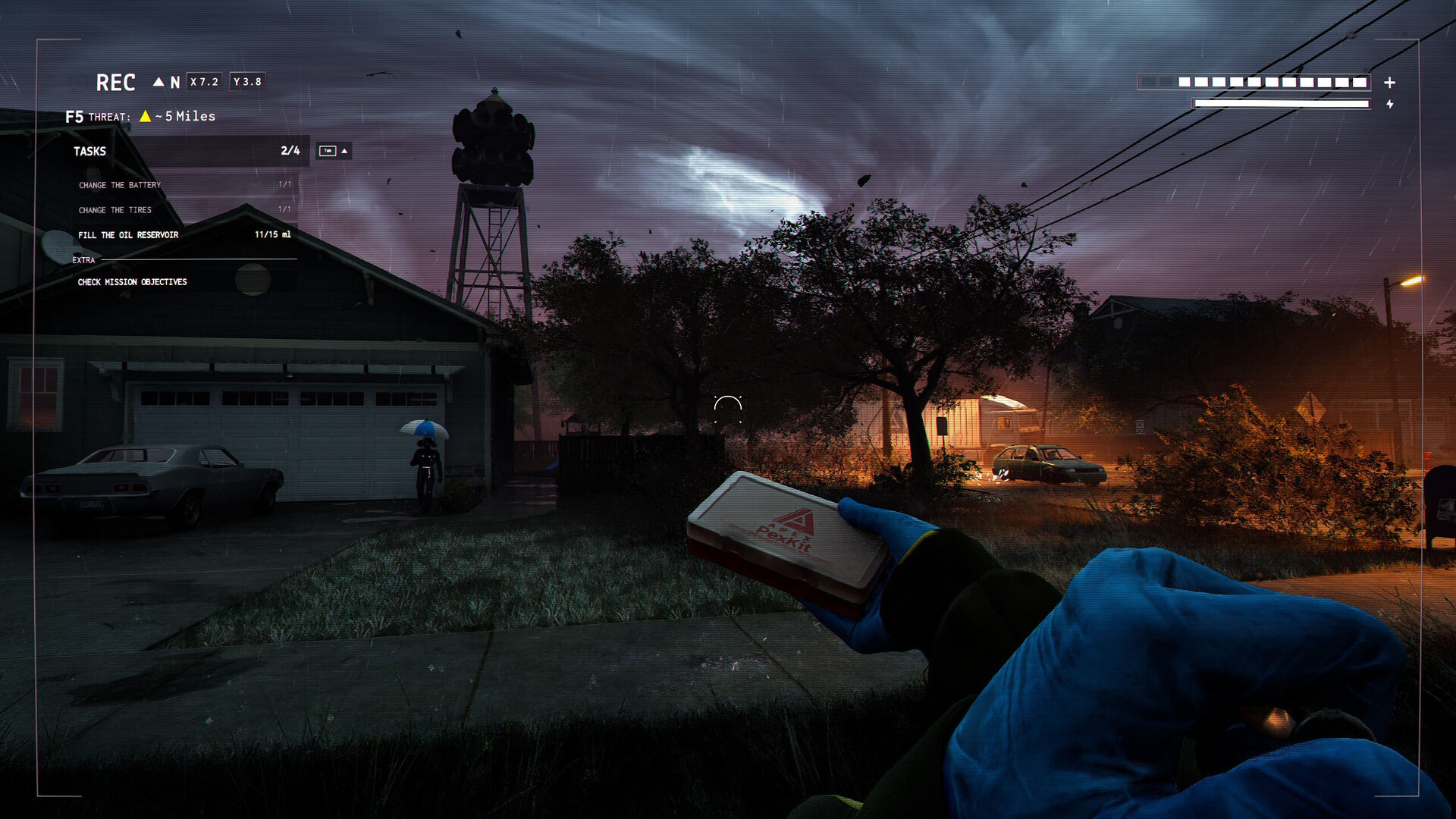
Finding a replacement part does not automatically repair the van. The developer describes bringing tools back, interacting with the faulty part and completing its repair action. Some jobs need a set of items: the documented tire example includes a scissor jack, toolbox and new tire. Before setting off, identify both the replacement and the tools needed to install it. A teammate can then search for the missing component instead of returning with a second copy of an item you already have.
Sources: Devlog #002 - Repair Systems and Tools
2. Read dependencies in the vehicle systems
The van devlog separates mechanical problems from the electronics that help the team. A dead battery can cut access to those electronics; the radar and monitoring tools therefore should not be treated as independent of every fault. Read the fault and system state together. If something in the van appears unavailable, check the documented vehicle condition before assuming that the interface is permanently disabled or that an unrelated collectible is required to unlock it.
Sources: Devlog #003 – Exploring the Van Systems
3. Identify liquids and replacement components separately
Patch 010 adds insufficient Brake Fluid as a liquid-type fault and Broken Spark Plugs as a replacement task. The spark-plug description says to remove the old plugs using a toolbox and find new ones to replace them. That is a specific sequence, not a claim that any engine-bay interaction uses the same item. Check the current tutorial for the fault you rolled, and keep a distinct list of missing liquid, missing replacement and missing tool. This makes a repair request understandable to someone away from the van.
Sources: Patch Notes #010 - New Minigames and Van Problems!
4. Understand reaction and timing tasks
In the Patch 010 redesign, Reaction tasks involve multiple screws and Aim tasks use a horizontal indicator with a target zone, mostly for filling fluids. Watch the prompt and choose the correct action before attempting speed. Rebinding is supported, so a key shown in a pre-update video may not match your setup. A useful practice goal is to identify what counts as success in the current tutorial, rather than memorizing an undocumented timing interval or claiming a particular input rhythm always wins.
Sources: Patch Notes #010 - New Minigames and Van Problems!
5. Use the Effort accessibility setting when appropriate
Effort is the button-mashing task used for actions such as jammed doors and leaving sewage pits. Patch 010 explicitly allows it to be disabled and replaced with the classic QTE. That gives you a documented alternative if the default input is not comfortable. The patch also adds Interface Bindings and makes changes apply through Apply Changes. Check the resulting prompt after changing the setting; an unsaved input edit can otherwise look like the game ignored your choice.
Sources: Patch Notes #010 - New Minigames and Van Problems!
6. Distinguish logic from pattern matching
Logic tasks rotate board pieces to connect paths between two signs. Match tasks ask you to arrange colors to fit the required pattern. Read the goal first: completing a connected path and reproducing a color arrangement are different kinds of task even when both appear during a repair session. Ask the crew for the missing item before entering an interaction you cannot finish. Avoid treating the entire repair system as a reflex contest simply because the older build relied more heavily on QTEs.
Sources: Patch Notes #010 - New Minigames and Van Problems!
7. Check which repair bugs have already been addressed
Patch 010.1 adds interaction indicators for the newly added van parts and restores some mouse-binding behavior. Patch 011.1 fixes batteries, fuses and tires falling instead of snapping into place after a successful repair. Hotfix 0.13.1 later addresses a Toolbox crash. These notes help separate an old recorded failure from the intended current sequence. If a similar problem remains, record the part, input method, whether the minigame completed and the build; do not normalize the bug as a required trick.
Sources: HOTFIX #011.1 / HOTFIX #010.1 / HOTFIX #0.13.1
8. Verify completion and hand over to departure
After the action, inspect the fault status and report what is now fixed. Repeat that check until the crew has satisfied the current vehicle requirements. Once the van can escape, stop confusing optional archives or extra loot with repair completion. Hotfix 0.13.1 protects already-boarded players after the successful departure start, so the final coordination task is to get the team inside and leave. The next biome is announced for October 26 and may introduce additional faults; verify those after release rather than inventing their repair recipes today.
Sources: HOTFIX #0.13.1
| Task | What to read first |
|---|---|
| Tire replacement | Jack, toolbox and replacement tire requirements |
| Broken spark plugs | Removal tool and new plugs |
| Minigame | Goal, current input binding and success prompt |
Name the fault and the missing tool separately. A complete repair set prevents a return trip that still cannot resolve the problem.
Related guides
Pair each current fault with its tools and action, use the correct minigame or accessibility option, and verify the repaired status. Compare unusual behavior with the later hotfixes before following an old workaround.
Sources checked October 11, 2026. Published facts are linked beside their explanations; testing and teamwork suggestions are editorial advice, not verified optimal builds.
 Funnel Runners First Escape Guide / For Beginners
Comment
No comments yet. Be the first to post one.